




How do I log in to the minzo.link browser extension?
The first time you use the minzo.link browser extension for Chrome, Firefox, or Microsoft Edge, you'll be asked to log in to your minzo account. If you don't have one, you can sign up now.
To log in to the minzo browser extension click on “Get Your API Key” :
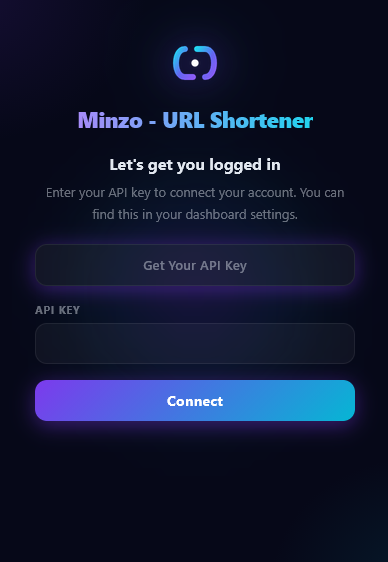
Log in to your minzo.link account (or sign up if you haven't already).
Go to the API KEY section in your dashboard and copy your API key.
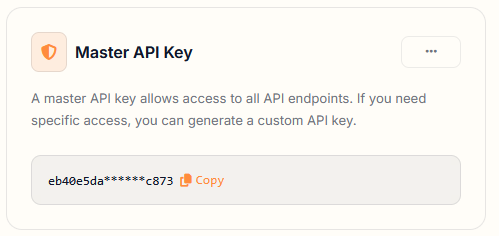
Paste the key into the minzo.link extension settings and save.
That's it, your extension is now connected and ready to use!