




Can I make a link expire or schedule when it becomes active?
Yes, both. Under a link's "Expiration" settings you can set:
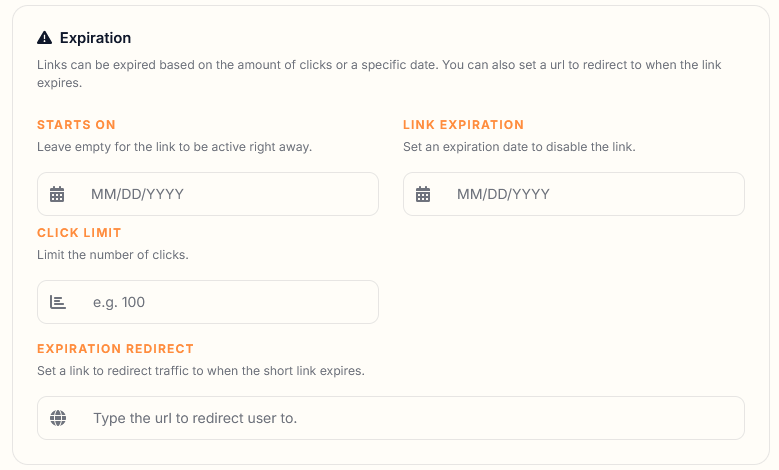
- Starts On — the link stays inactive (visitors see a "not yet available" page) until the date/time you choose.
- Expiration — a date, a maximum number of clicks, or both, after which the link stops working. You can also set a fallback URL to redirect people to once it expires.
This is handy for time-limited promotions, embargoed announcements, or content that should only be accessible for a set period.