




How do I shorten a link?
Paste your long URL into the shortener box on the homepage or your dashboard and click "Shorten." You'll get a short link instantly, ready to share anywhere , social media, email, print, or SMS.
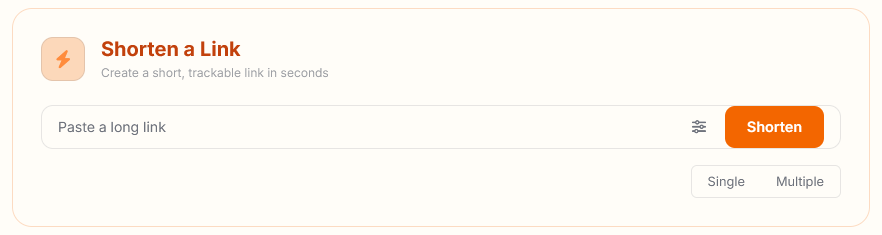
If you're logged in, every link you create is saved to your dashboard automatically, so you can edit it, check its stats, or delete it later. Links created while logged out are temporary and won't be tracked to an account.